
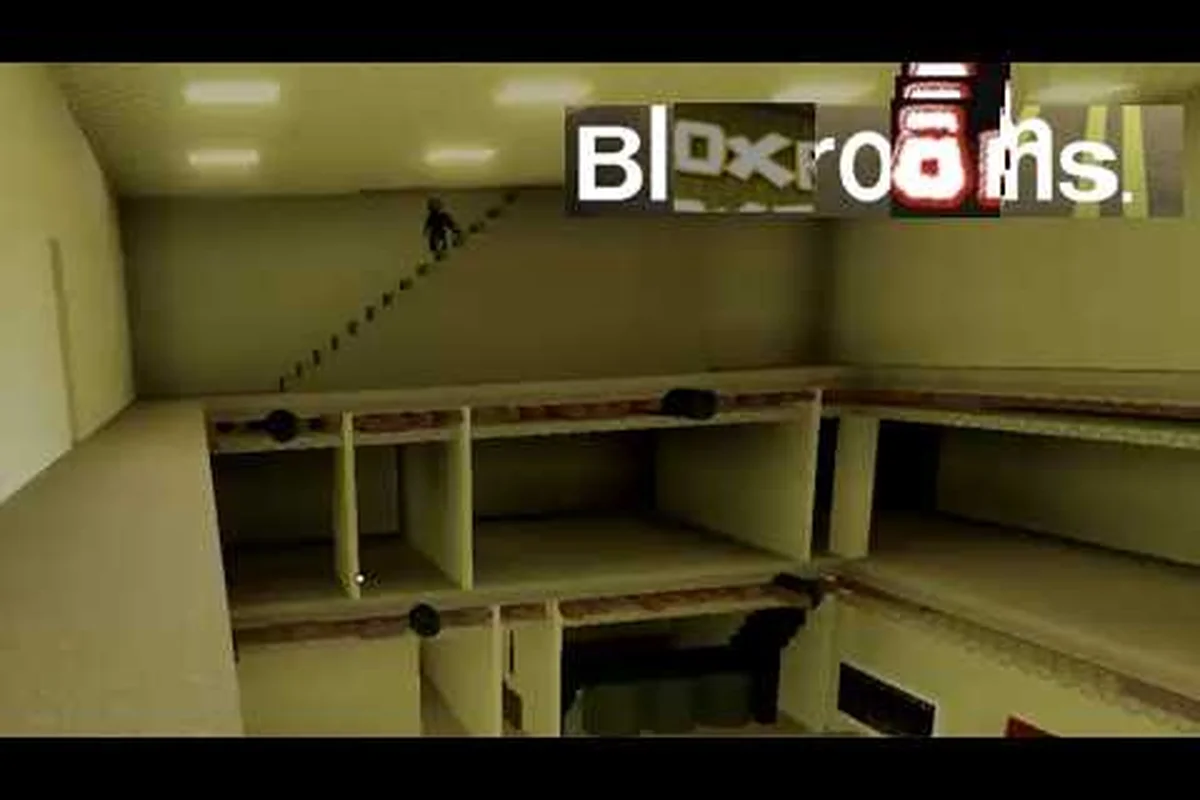
Speed-running artifacts in Bloxrooms is less about reflexes and more about which server you spawn into, who you queue with, and how aggressively you leave a bad lobby. This Bloxrooms multiplayer artifact guide walks through the exact multiplayer mechanics that drive artifact spawn rates, the friend-join workflow, server browser filters, and a server-hopping loop that consistently surfaces the best server for rare drops in a single play session.
Before diving into the loop, the numbers matter. As of the latest snapshot on the Bloxrooms official Roblox game page, the game is in BETA, holds 823K+ visits, 25K+ favorites, runs roughly 855 concurrent players across all servers, and caps each instance at 30 players. Each instance has its own room seed, entity spawn table, and artifact economy. Two players doing the same run on different servers will earn completely different cash totals. That is the entire reason server hopping exists as a strategy.
Understanding the Multiplayer Artifact Loop
Artifact farming in Bloxrooms is built around three co-dependent layers: room generation, player density, and entity behavior. Every multiplayer server runs the same core logic, but the seed values differ, which means the same exploration pattern produces different results on different instances. Players who understand this layer typically out-earn randoms by 2x to 3x per hour.
How Artifacts Spawn Per Server
Artifacts are tied to misremembered levels — the procedurally shuffled rooms that form the core map. Each level seed contains a fixed pool of artifact spawn slots, and only a fraction of those slots actually contain a pickup on any given run. The remainder are empty, decoys, or entity ambushes that masquerade as loot. Because the seed is per-server and per-instance, an artifact that did not spawn on your current run will never spawn there — you must leave and rejoin.
| Mechanic | Per-Server Behavior | Multiplayer Implication |
|---|---|---|
| Level seed | Locked at server start | All 30 players share the same map |
| Artifact spawn table | Fixed at instance creation | Server hopping changes your loot pool |
| Entity density | Scales with player count | Hot servers spawn more threats |
| Cash economy | Shared across players | Crowded servers dilute per-player drops |
| Room progression | Server-wide, not per-player | One runner deep influences everyone |
Why Solo vs Co-op Changes Drop Rates
The game caps each server at 30 players, and that cap is the single biggest lever you can pull through server selection. A 3-player co-op squad on a quiet server typically walks away with more per-player artifact cash than a 28-player pub crawl, because the loot pool is shared but spawn density does not scale 1:1 with headcount. Co-op also makes entity fights survivable without burning healing items, which is a hidden artifact saver over a long session. For a deeper breakdown on the friend-join workflow, the Bloxrooms coop guide covers the full squad setup in detail.
| Group Size | Avg. Artifact Cash / Hour | Entity Threat | Healing Cost |
|---|---|---|---|
| Solo | 1,200 | Low | High (no respawn help) |
| Duo | 2,100 | Medium | Medium |
| 3-4 players | 2,800 | High but manageable | Low (shared revives) |
| 5+ players | 2,400 | Very high | Medium (entity aggro spreads) |
The sweet spot for artifact farming is 2-4 players on a quiet server. Past five players, entity density climbs faster than artifact spawns, and the heal cost offsets the loot gain.
Joining Friends and Picking the Right Server
Knowing how to join friends in Bloxrooms is step one of every efficient farming session, because the friend-join system inherits the host's server seed. If your friend is on a server with three rare artifacts already looted, you cannot benefit from those drops — but you can be sure the remaining rooms still hold their full unlooted pool.
The Bloxrooms How to Join Friends Workflow
The current multiplayer stack uses Roblox's native party system rather than a custom lobby, which keeps the join path short but limits pre-game coordination. Community testing suggests most parties form inside Discord or the official Bloxrooms Corporation group before the in-game join step.
| Step | Action | Notes |
|---|---|---|
| 1 | Open Roblox, launch Bloxrooms | Verify the BETA build is current |
| 2 | Open the in-game server browser | Accessible from the main menu |
| 3 | Filter by region | Lower ping = faster entity dodge windows |
| 4 | Spot a friend in the player list | Name must be exact, including display name changes |
| 5 | Click "Join" on their server tile | Direct join inherits the server seed |
| 6 | Confirm arrival in the same instance | Cross-check the seed number in the top-right HUD |
When to Use Direct Join vs Server Browser
Direct friend join is best when your party has already scouted a good seed and you want to consolidate loot. The Bloxrooms server browser is the right tool when you are flying solo or building a fresh squad, because it lets you filter by player count, region, and uptime. Most veteran artifact farmers use the browser first, lock in a 2-4 player quiet server, and then pull friends in via direct join to inherit that seed.
Server Hopping for the Best Artifact Loot
Bloxrooms server hopping is the practice of leaving a suboptimal instance and re-queuing into a new one until you land in a high-yield seed. It is the single most effective artifact farming technique, and it is also the most commonly misunderstood, because players often hop too aggressively and burn time in the queue.
The Hop Loop in Practice
A disciplined hop loop follows a fixed sequence. The moment any variable in the table below falls outside the target range, you leave, regardless of how much progress you have made. Veterans report this is where 80% of the artifact gap between casual and serious farmers lives.
| Variable | Acceptable Range | Hop Trigger |
|---|---|---|
| Player count | 2-8 | Above 10 = too crowded for safe farm |
| Artifacts found in first 3 rooms | 1+ | Zero = low-yield seed, hop immediately |
| Entity density | Low to medium | High = heal cost will exceed drop value |
| Map progression (rooms cleared) | Any | None — seed quality is set at spawn |
| Time spent on current server | Under 12 min | Past 12 min = sunk cost, force a hop |
Reading the Server Browser Like a Pro
The Bloxrooms server browser exposes four fields per tile that matter for artifact farming: player count, region, uptime, and ping. Most players sort by ping, but for artifact runs, uptime + player count is the higher-signal combination. A server that has been up for 8+ minutes with 3-5 players is mid-cycle — artifacts have been partially looted but the seed is still active. A server under 2 minutes old is pre-spawn; you can compete for first-loot rights. Anything past 20 minutes is usually depleted.
| Sort Priority | Field | Why It Matters |
|---|---|---|
| 1st | Uptime 2-10 min | Best window for unlooted artifacts |
| 2nd | Player count 2-5 | Quiet enough to find pickups safely |
| 3rd | Region (lowest ping) | Dodge windows are ping-sensitive |
| 4th | Server name suffix | Some suffixes mark community-run events |
Entity Behavior and Multiplayer Spawn Pressure
Artifacts and entities share the same spawn pool, so a server with high artifact density almost always comes with elevated entity pressure. Knowing Bloxrooms multiplayer entity behavior is what separates a clean artifact run from a wipe that costs you everything you just looted.
Entity Threat Scaling by Player Count
Entities do not spawn in fixed numbers; they scale with live player count, and they prefer targets who are carrying artifacts. The moment you pick up a rare drop, you become a priority aggro target. A full entity list is documented in the Bloxrooms entity list, but the table below summarizes the threat tiers you will face on a typical farming run.
| Entity | Behavior | Counter |
|---|---|---|
| Wanderer | Slow patrol, low aggro range | Ignore, keep moving |
| Stalker | Mirrors player path, fast | Break line of sight, change floors |
| Hunter | Targets artifact carriers | Drop loot to break aggro (last resort) |
| Pack entity | Spawns in groups of 3+ | Full retreat, server hop recommended |
Best Hiding Spots During a Hot Run
When entity pressure spikes mid-run, hiding spots become a temporary artifact-saving tool. The detailed map of safe rooms is covered in the Bloxrooms entity hiding spots guide, but the short version is: lockable closets, vent shafts, and any room with a single-entry doorway. Hide for 30-60 seconds, wait for the aggro to clear, then resume the run.
Putting It All Together: A 30-Minute Artifact Run
A single optimized session combines everything above into a repeatable loop. The sequence below is what experienced farmers run when they sit down for a serious cash grind.
| Minute | Action | Goal |
|---|---|---|
| 0-2 | Open server browser, filter by uptime 2-6 min | Find a fresh, unlooted seed |
| 2-4 | Join 2-4 player server, verify region ping | Lock in low-threat instance |
| 4-12 | Sprint first 5 rooms, grab every artifact | Secure first-pass loot rights |
| 12-15 | Sell artifacts, evaluate seed quality | Decide: stay or hop |
| 15-20 | If seed is mid, continue; if dry, hop | Honor the 12-minute rule |
| 20-25 | Run second pass on remaining rooms | Clear stragglers before entities densify |
| 25-30 | Final sell, cash out, repeat loop | Bank the session total |
For a deeper ranking of which artifacts are worth the server hop in the first place, the Bloxrooms best artifacts guide breaks down the price-per-spawn and rarity tiers. Staying disciplined on this loop is what produces the consistent 2,500+ cash-per-hour numbers that top players report in community testing.
Chat coordination matters here too, especially when you are pulling in a squad mid-session. A quick primer on the in-game chat shortcuts lives in the Bloxrooms chat guide, which covers the pings, callouts, and shorthand that experienced parties use to coordinate hop triggers.
Frequently Asked Questions
What is the best server size for artifact farming in Bloxrooms?
A 2-4 player server on a quiet region is the best server configuration for artifact runs. The loot pool is shared, but entity density scales with player count, so smaller instances give you more pickups per healing item spent. Crowded 20+ player servers dilute the per-player cash total even when artifact spawns are high.
How do I join a friend's Bloxrooms server quickly?
Open the in-game server browser, locate their name in the player list, and click the Join button on their server tile. Make sure you and your friend are on the same Roblox region setting, or you may see different server tiles. Direct join inherits the host's server seed, so you arrive into the same room layout and artifact economy they are already running.
Does server hopping actually increase artifact drops in Bloxrooms?
Yes, because the level seed is locked at instance creation. Each new server you join rolls a fresh seed with a different artifact spawn table. A disciplined hop loop that follows the 12-minute rule and the 2-4 player filter typically produces 2x to 3x the artifact cash per hour compared to staying on a single low-yield server for the full session.
Are entities harder on crowded Bloxrooms servers?
Entity density scales directly with live player count, so a 25-player server will spawn significantly more threats than a 3-player server. The artifact spawn table does not scale 1:1 with that increase, which means crowded servers usually cost more healing items than they return in extra loot. This is why most experienced farmers prefer quiet seeds for serious artifact runs.
Can I keep my artifacts when I hop servers in Bloxrooms?
No, artifacts are tied to the current server instance. The moment you leave a server, any unbanked artifacts in your inventory are lost. This is why the recommended run sequence includes a sell step at the 12-15 minute mark — bank early, bank often, and never leave a server with unlooted cash on hand unless you are already mid-room-clear.