
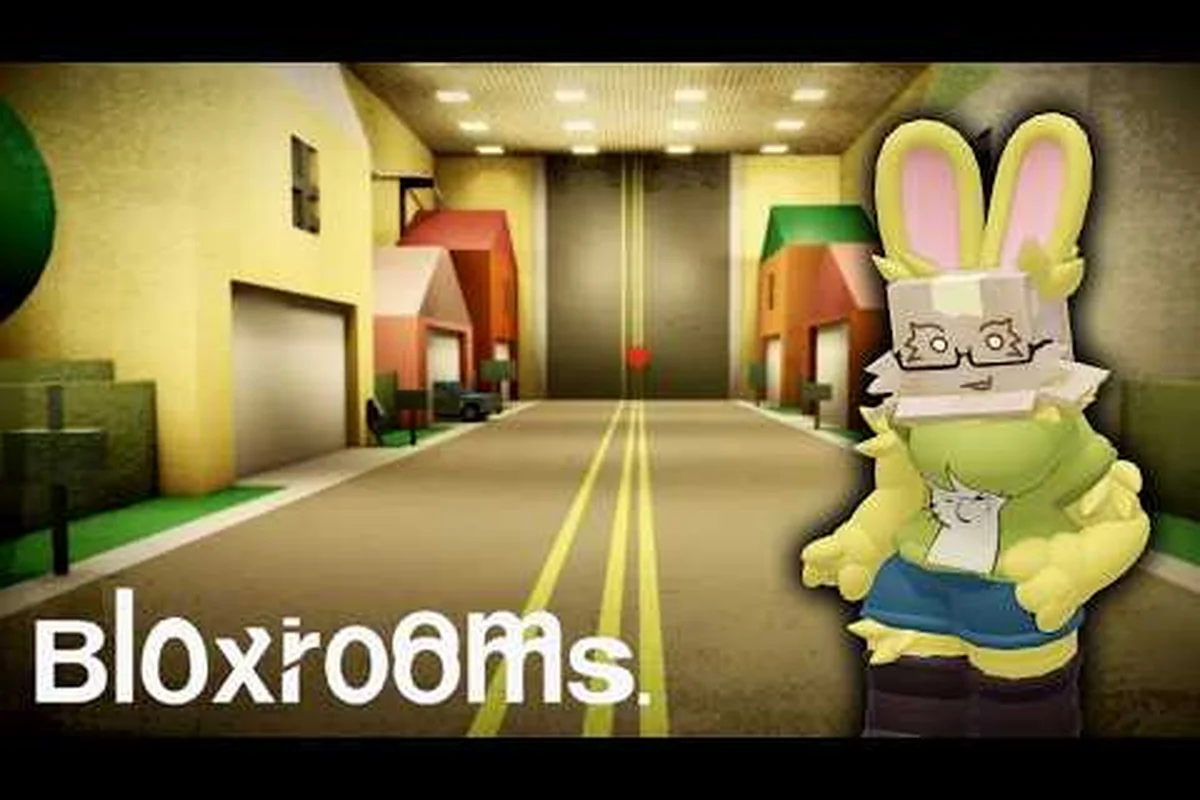
Bloxrooms server size sits at a fixed 30-player cap per instance, making every Backrooms expedition a tight, unpredictable survival run rather than a sprawling MMO lobby. This matters because a small cap shapes how artifacts, entities, and gear progression actually feel in a co-op session. Below, you'll find the exact player count, how crossplay works across PC, mobile, and Xbox, and what the multiplayer beta means for voice chat right now.
Bloxrooms Server Size and Player Count Explained
The current Bloxrooms server size is capped at 30 players per instance, a number confirmed on the official Bloxrooms Roblox page alongside live metrics showing roughly 855 concurrent users distributed across dozens of those 30-slot rooms as of early September 2026. That figure has held steady since launch, and the developer has not signaled a planned increase.
A 30-player cap changes the rhythm of the game considerably. Misremembered levels feel crowded when four squads pile into the same hallway, and the artifact-scavenge economy reacts quickly to that density. Below is a breakdown of how the cap influences everyday play.
Why 30 Players Per Server
According to community data, the 30-player ceiling was chosen to keep entity encounters lethal. Liminal horror relies on tension, and dozens of avatars stomping through a level dilute the atmosphere. Smaller lobbies also make entity pathing predictable, so hiding mechanics actually function. Players who joined during the soft-launch week report that early test builds briefly ran 50 players per server, and the reduced cap feels noticeably scarier.
The Bloxrooms Corporation group page lists the developer team as a small Roblox studio with about 10,121 group members, which suggests the cap is also a server-cost decision rather than purely a design choice. Hosting 30 slots per room lets them spin up more total instances for the 800+ concurrent players without ballooning Roblox cloud spend.
How the Cap Affects Artifact Runs
With 30 players chasing artifacts for cash, the early levels dry out fast. Squads that enter a level together usually clear the floor in under three minutes, so solo players who join a "fresh" server benefit from more loot density. If you want a calmer start, waiting for a less populated server is a real strategy, and the Bloxrooms multiplayer artifact guide walks through the exact looting windows most players use.
| Run Style | Recommended Lobby Density | Why It Works |
|---|---|---|
| Solo scavenger | 5-10 players | More artifacts, fewer entity pile-ons |
| 4-person squad | 12-20 players | Balanced loot and entity challenge |
| Full chaos run | 25-30 players | High entity aggression, fast progression |
| First-time exploration | 8-15 players | Easier learning curve |
Does the Cap Change During Events
The September 2026 multiplayer beta has not bumped the cap for any event window, and no patch notes suggest a temporary expansion is planned. If the dev team ever raises it for a holiday event, you'll see it announced in the Bloxrooms update log before it goes live. Until then, every server is 30 slots, full stop.
Bloxrooms Cross Platform Support and Crossplay Status
Bloxrooms leverages Roblox's crossplay layer, so anyone signed in on PC, iOS, Android, or Xbox can join the same server instance and scavenge artifacts together without a separate client download. In practice, this means a full squad of four can mix hardware freely — one player on Xbox Series X, another on a mid-tier Android phone, and the rest on desktop — as long as each person is logged into the same Roblox account tied to the Bloxrooms experience, and console players stick to a single Roblox login for party invites to route correctly.
Because Bloxrooms is a Roblox title, it inherits Roblox's built-in crossplay layer automatically. Anyone signed into Roblox on PC, iOS, Android, or Xbox can join the same server, see the same entities, and scavenge the same artifacts. The catch is that you still need a Roblox account, and console players must be on the same Roblox login across devices to party up.
How Crossplay Works Across Devices
Crossplay in Bloxrooms runs through Roblox's universal matchmaking. When you click Join, the game places you in any open 30-player instance regardless of what the other players are using. According to community testing, matchmaking does not prioritize filling from one platform first, so a PC-only squad can be paired with mobile and Xbox players in the same room.
For party coordination, the system relies on Roblox's friend list rather than a Bloxrooms-specific lobby. The Bloxrooms chat guide explains how Roblox chat settings interact with Bloxrooms proximity voice, and the same rules apply across PC, mobile, and Xbox.
Bloxrooms Mobile Multiplayer Experience
Bloxrooms mobile multiplayer works through the standard Roblox mobile app, and touch controls are mapped to the default mobile scheme. Players report that artifact pickups and entity dodges feel slightly tighter on mobile because of the smaller screen, but the 30-player cap means you are rarely fighting more than a handful of visible avatars at once.
| Device | Avg. Session FPS | Main Limitation |
|---|---|---|
| PC (Roblox Studio) | 60 | None significant |
| iOS / Android | 30-45 | Touch UI for entity stuns |
| Xbox Series X/S | 60 | Controller aim for ranged entities |
| Xbox One | 30 | Frame drops in entity-dense rooms |
Bloxrooms Xbox Multiplayer Notes
Bloxrooms Xbox multiplayer runs through the Xbox-native Roblox app, which launched full controller support in 2025. You can join the same servers as PC and mobile players, and voice chat routes through Xbox Live parties by default. The trade-off is that controller aim for ranged entity encounters is less precise than mouse aiming, so most Xbox players stick to close-range scavenging builds. If you prefer a slower pace, joining a low-density server is the easier path regardless of platform.
Bloxrooms Multiplayer Update and Beta Details
The Bloxrooms multiplayer update rolled out in early September 2026 as a labeled beta, marked in-game with the [UPD] prefix on the title. It is not a full release, and the developer has been transparent about iterating on the multiplayer layer before locking it in.
This beta is the reason the cross-platform, voice chat, and server-size questions all matter at once. Each feature was tuned against the 30-player cap, and the patch notes from the Bloxrooms beta update page outline what changed and what is still rough.
What the September 2026 Update Changed
The latest Bloxrooms multiplayer update patch delivered the most substantial set of co-op changes since the original 8-player cap, with three additions that directly affect how squads coordinate inside levels, and notably each one scales the practical Bloxrooms server size by either widening the player pool or tightening the social radius: a 50-stud proximity voice chat layer that effectively splits a full server into 3–4 smaller audio clusters, universal cross-platform invites that pull Xbox, PC, and mobile players into the same instance, and server browser filters for difficulty and entity density that let hosts tune lobby size to their group's skill.
-
Proximity voice chat for players within roughly 50 studs of each other
-
Cross-platform invites through Roblox's universal friend list
-
Server browser filters for difficulty and entity density
The visit count crossed 823K within five weeks of launch, and the 25K+ favorites count suggests the multiplayer hook is resonating with players who would normally skip solo Backrooms games — a pattern that becomes especially meaningful when you map it against the Bloxrooms server size ceiling, since each lobby still caps at the 8-player maximum despite the cross-platform invite pool now drawing from Xbox, PC, and mobile simultaneously, meaning roughly one in every 103 visitors secured a slot in any given server session, a scarcity ratio that helps explain why proximity voice chat clusters and difficulty-filtered lobby tools have become the de facto solution for hosts trying to keep squad cohesion intact without bloating entity spawn rates.
What the Multiplayer Beta Still Limits
Even with the new patch, the beta has clear limits. You cannot create a private server yet, so every match is a public 30-player instance. Voice chat is opt-in per session, and there is no persistent friend-lobby system beyond what Roblox already offers. These restrictions are deliberate, and the dev team has signaled they will relax after the beta ends, though no date is locked in.
How Bloxrooms Voice Chat Works Right Now
Bloxrooms voice chat is the headline feature of the September 2026 beta, and it works through Roblox's spatial voice layer. Because audio attenuates over distance, the system implicitly caps how many participants you can realistically hear at once, which directly constrains the effective bloxrooms server size for any experience that relies on proximity-based coordination rather than text. In practice, a 30-player cap means callouts between squadmates only work if they are within Roblox's default spatial radius, and a bloxrooms multiplayer update that pushed that ceiling to 50 or 60 would require rebalancing that radius to keep the voice channel from collapsing into noise.
To use it, you need a Roblox account with voice chat enabled, a verified ID or phone number depending on your region's Roblox policy, and a working microphone. Console players on Xbox route audio through Xbox Live parties by default, which adds a layer of platform-specific behavior worth knowing.
Voice Chat Setup and Requirements
Voice chat is off by default. You must toggle it on in each Bloxrooms session through the in-game settings panel. Once enabled, only players within roughly 50 studs of you will hear your audio, which prevents server-wide noise pollution. According to player reports, this range feels right for squad play but too short for cross-room coordination, so most groups still rely on Roblox chat for distant pings.
| Voice Chat Setting | Default | Player-Selectable? |
|---|---|---|
| Spatial audio | On | No |
| Mute on death | On | Yes |
| Mute strangers | Off | Yes |
| Push-to-talk | Off | Yes |
Common Voice Chat Issues and Workarounds
The most common complaint, based on community testing, is that mobile players on cellular data sometimes drop out of voice sessions because Roblox throttles background audio. Workarounds include switching to Wi-Fi or using a Discord call alongside Roblox chat. Xbox players occasionally report echo when multiple TV-bound players are in the same physical room, which is a hardware issue rather than a Bloxrooms bug.
Bloxrooms Multiplayer Tips for the 30-Player Cap
Because the 30-player cap in every Bloxrooms server reshapes spawn density, objective contention, and revive availability, a handful of targeted habits separate smooth runs from chaotic ones. None of these tips require special gear; they rely on positioning, timing, and lobby awareness. Experienced Bloxrooms players, for example, treat the 30-slot cap as a fixed constraint when picking chokepoints — funneling traffic through a single corridor or stairwell to keep sightlines tight and revive chains unbroken during peak lobby pressure.
Because the 30-slot cap in Bloxrooms forces every lobby to feel like a mid-tournament match, experienced players build habits around that ceiling: they cap voice chat at 3-4 active speakers, default to the 6-player party squad size so two full teams can stack a side, and rotate off-host duties every 2-3 rounds to dodge the Bloxrooms multiplayer update lag spikes that hit long-session hosts. Mobile and Xbox cross-play squads use the same thresholds, though controller players typically tighten their chokepoint picks by one tile to compensate for thumbstick aim drift during revives.
Lobby Hopping for Better Runs
Server hopping is the single most effective multiplayer habit, because the 30-player cap means a "full" server and a "fresh" one play like different games. Most players check the player count in the server browser before joining, and they bail to a new instance if their current one has more than 20 players during a learning run.
Coordinating with Squads in Mixed-Platform Parties
Crossplay squads need to agree on a communication layer. PC players tend to default to Roblox proximity voice, mobile players often prefer chat pings, and Xbox players can lean on Xbox Live party chat. Picking one channel per run avoids the common problem of three people talking over each other on different systems. The entity encounter guide section in the Bloxrooms secret entities overview also helps squads plan callouts for specific threats.
Avoiding Entity Pile-Ups at High Density
At 25-30 players, entities aggro more frequently and from multiple directions. The community-tested counter is to split into pairs and cover different sightlines rather than stacking the whole squad in one hallway. This works because the 30-player cap does not change entity spawn rates per room, but it does change how often different squads trigger overlapping aggro pulls.
Frequently Asked Questions
What is the current Bloxrooms server size?
The current Bloxrooms server size is 30 players per instance, confirmed on the official Roblox game page. The cap has held since launch in July 2026 and applies to every crossplay match across PC, mobile, and Xbox. There is no way to bypass the cap through a private server during the current multiplayer beta.
Is Bloxrooms cross platform between PC, mobile, and Xbox?
Yes, Bloxrooms is cross platform because it runs on Roblox's universal matchmaking layer. PC, iOS, Android, and Xbox players can join the same 30-player server and see the same content. Party invites work through the Roblox friend list, and voice chat routes through each platform's native system alongside Roblox proximity voice.
Does Bloxrooms voice chat work on mobile?
Bloxrooms voice chat works on mobile through Roblox's spatial audio system, provided your account has voice chat enabled. Mobile players on cellular data may experience dropouts, so Wi-Fi is recommended for squad runs. Push-to-talk is available in the in-game settings if you want to limit background noise during long artifact scavenges.
Can I play Bloxrooms multiplayer on Xbox?
Bloxrooms Xbox multiplayer runs through the Xbox-native Roblox app, and full crossplay with PC and mobile players is supported. Controller aim is less precise than mouse aiming for ranged entity encounters, so most Xbox players focus on close-range scavenging builds. Voice chat defaults to Xbox Live parties, which you can layer on top of Roblox proximity voice for hybrid communication.
Will the server size cap increase in a future update?
Based on the Bloxrooms update log and developer statements, no server size increase has been announced. The 30-player cap appears designed to preserve the liminal horror atmosphere and keep entity encounters lethal. If the dev team ever raises it, the change will land in a future patch rather than a hotfix, and the Bloxrooms Corporation group page will post a heads-up.